
Take the material. Record the deduction.
The system converts the removed weight into a quantity. Confirm the result at the touchscreen to record the issue.
Akris converts real-time weight changes into accurate inventory data, providing precise control and visibility for high-value consumables, loose small parts, precision fasteners, electronic components, raw materials, and other items that are difficult or costly to count manually.
For small, high-value materials, even a fraction of a gram matters. Specify 0.1 g sensitivity to suit your material and load requirements.
0.1 g weighing available by requirementWatch the weighing system respond to a small change.
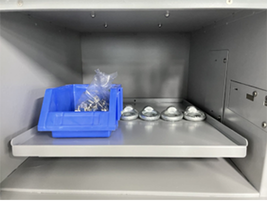
A parts bin and weights placed across the plate show the weighing setup. We match the sensor range and unit-weight settings to your inventory.
See collection and replenishment at the cabinet, with quantities calculated from the measured weight change.
The system converts the removed weight into a quantity. Confirm the result at the touchscreen to record the issue.
Place material in its assigned compartment. The added weight becomes the replenishment quantity, ready for confirmation.
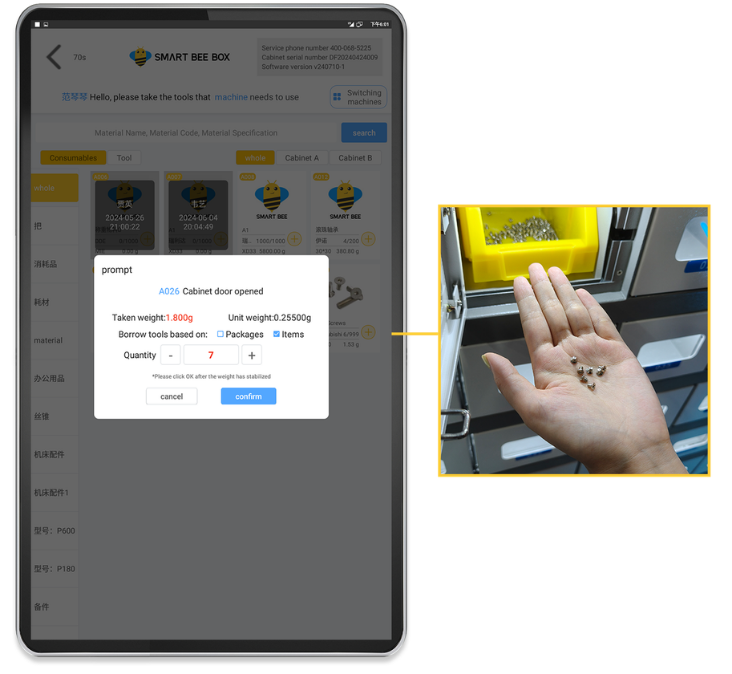
Review the measured weight and calculated item quantity before confirming. Each transaction links the material movement to the user and time.
Each weighing position holds one material with a configured unit weight. The system converts the change in weight into an issue or replenishment quantity.
Log in at the cabinet and select the material you are authorised to use.
Take the required items or add stock at the assigned weighing position.
Wait for the weight to stabilise, confirm the displayed quantity and keep a traceable transaction record.
Quantity counting depends on consistent item weights and the selected sensor range. We help match the weighing configuration to your materials.
Choose enclosed cabinets for controlled access or open shelves for convenient material handling, supported by the same connected inventory workflow.
Convert measured weight changes into material quantities using the configured unit weight.
Identify users with face recognition or a card and apply material access permissions.
Hyper S and Hive combine compartment displays and lighting to guide material handling.
Notify the responsible team when inventory reaches a configured threshold.
Review consumption, user activity and material movements through the web dashboard.
Connect one main unit with up to nine expansion units as storage needs grow.
Akris retains Origo’s access controls, material workflows and inventory features. Weighing adds automatic quantity calculation for materials with a consistent unit weight.
The system guides users through each pickup and return. Only the assigned compartment unlocks, helping operators collect the correct item and return it to the correct location.
Assign materials, users and access rules to individual compartments. Match tools, spare parts, PPE and consumables to the appropriate storage location. Combi C64 also supports physical compartment resizing.
Create material categories, attributes and data fields around your existing management system. Keep familiar part numbers and naming conventions for easier setup and everyday use.
Link each pickup to a specific machine or piece of equipment. Track where materials are used and allocate consumption costs more accurately.
Set expected return times for reusable tools and materials. The system identifies overdue items and sends scheduled notifications to designated personnel for follow-up.
One platform for everything your team borrows, uses and replenishes. Connected from the cabinet touchscreen to the web dashboard.
Track who has each tool, when it is due back and when it returns to storage.
Record each issue and replenishment, monitor remaining quantities and plan the next restock.
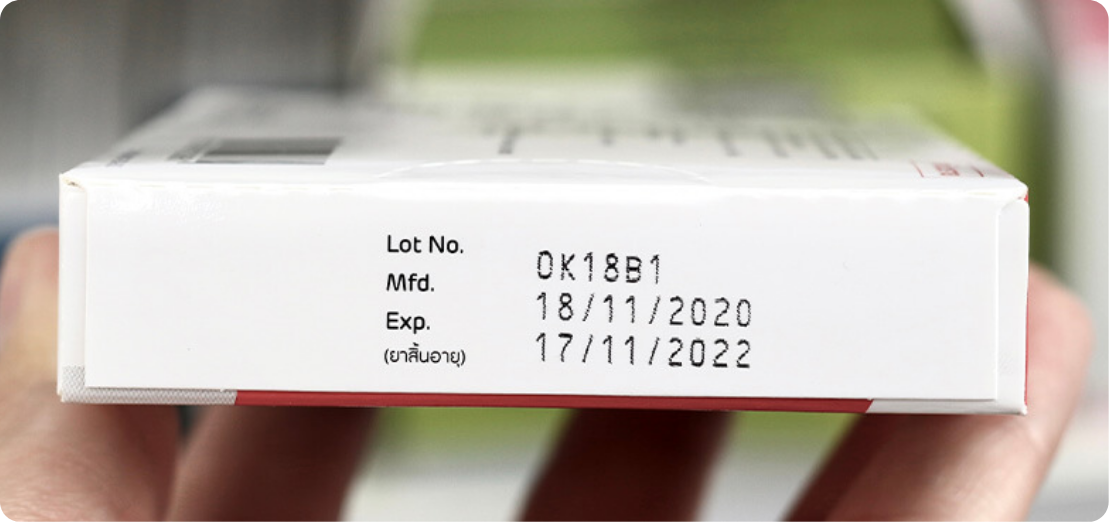
Track material expiry dates and receive automated alerts before stock expires. Plan timely use or replacement to help reduce material waste.
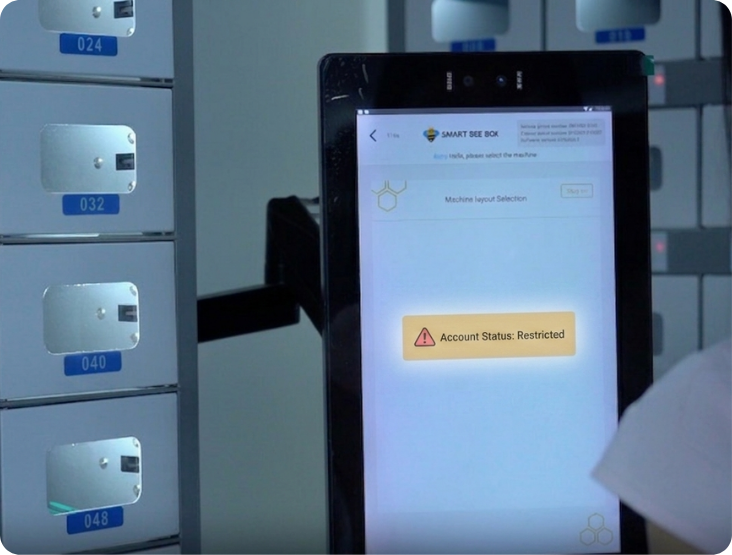
Restrict further borrowing when tools are overdue, according to configured rules. Encourage timely returns and keep responsibility for borrowed items clear.

Receive automated calibration reminders for tools and measuring instruments. Help your team plan maintenance and keep track of items due for attention.

Identify materials with little or no recent usage. Review stock levels and purchasing decisions to help reduce excess inventory.

Speed up inventory checks and automatically generate stocktake reports. Compare counted quantities with system records and review stock differences.

Record items collected for recycling and confirm their receipt. Keep a traceable record of used materials as they move from collection to recycling handling.
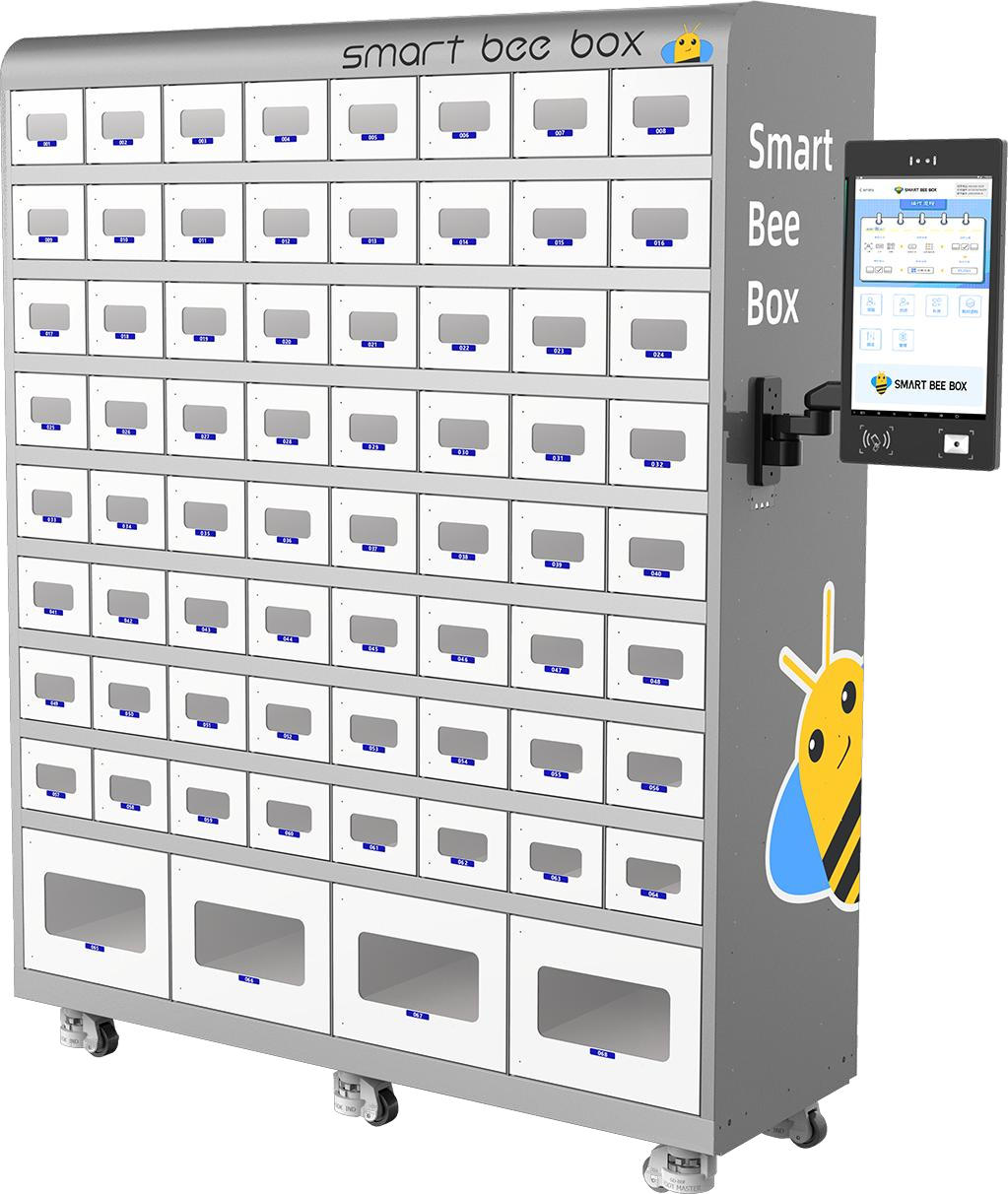
Weight-based inventory management connects W45, W68, Hyper S and Hive. Operators follow the cabinet touchscreen while managers oversee inventory and activity from the web.
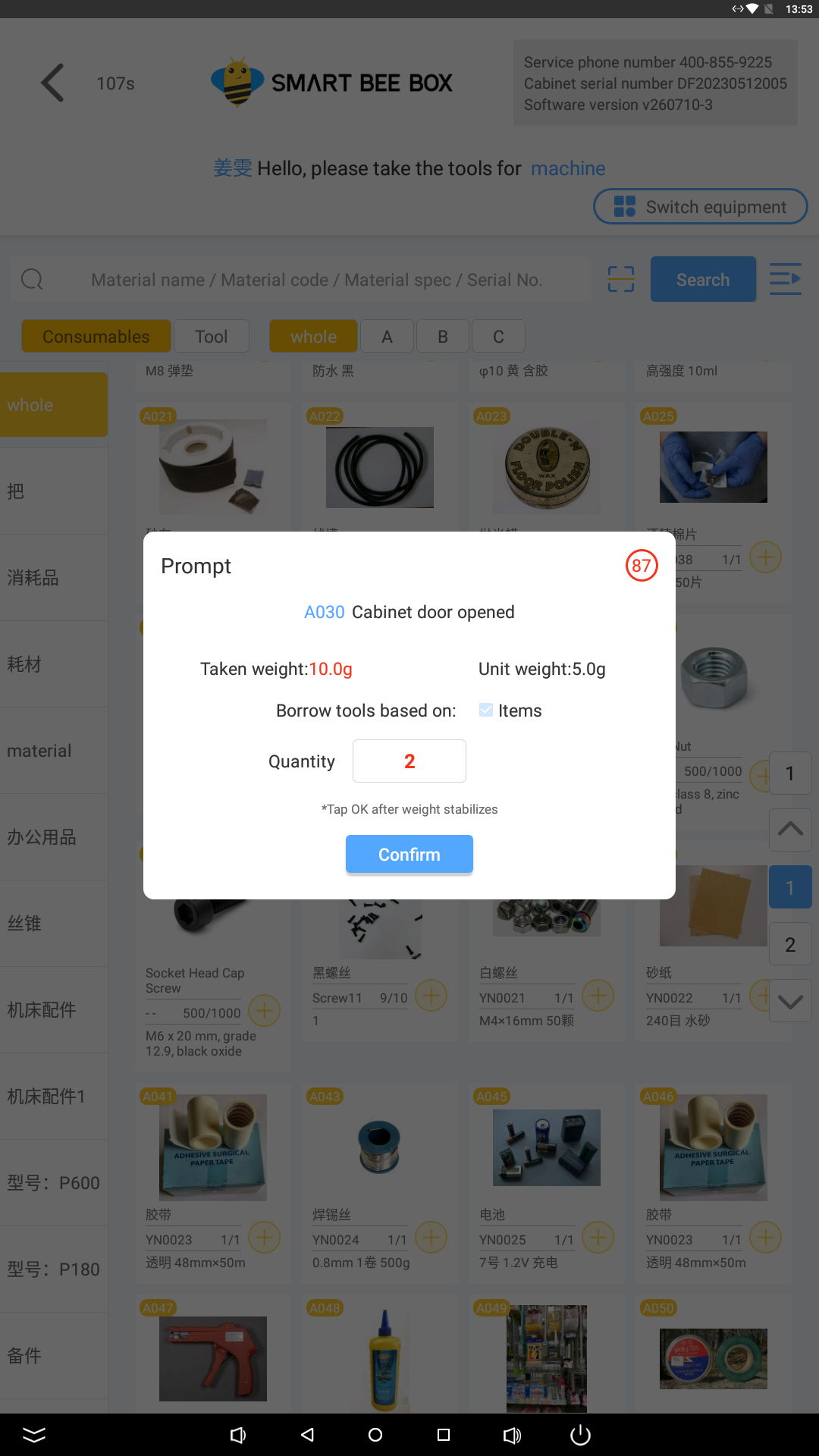

Calculate quantities from weight changes and the configured unit weight. The cabinet displays the quantity for confirmation after the reading stabilises.
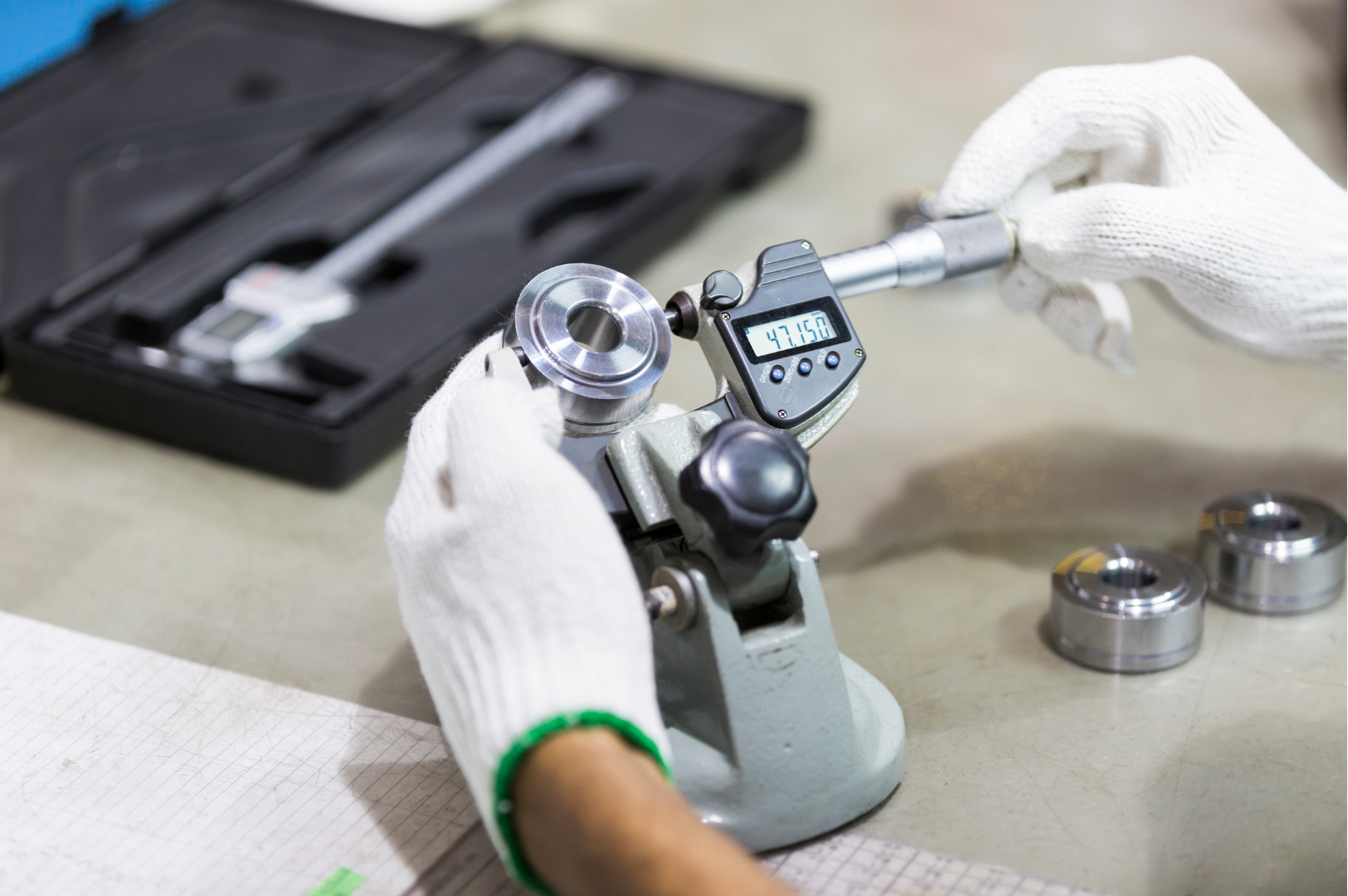
Keep precision
on schedule.
Plan calibration around how each tool is used. Set the appropriate interval, notify your team and keep the records ready for review.
Flag tools approaching their configured calibration interval so your team can plan ahead.
Notify the responsible personnel when calibration is due, helping keep follow-up on track.
Bring calibration status and recorded history together for quality reviews and audit preparation.
Organised calibration records help support equipment control and audit preparation within your quality management system.
Reports support documentation; calibration and verification must still follow your organisation’s procedures. Usage-based intervals depend on the activity data recorded or integrated with the system.W45 and W68 offer enclosed weighing compartments. Hyper S adds LCD/LED assistance, while Hive uses open weighing shelves.
| Specification | 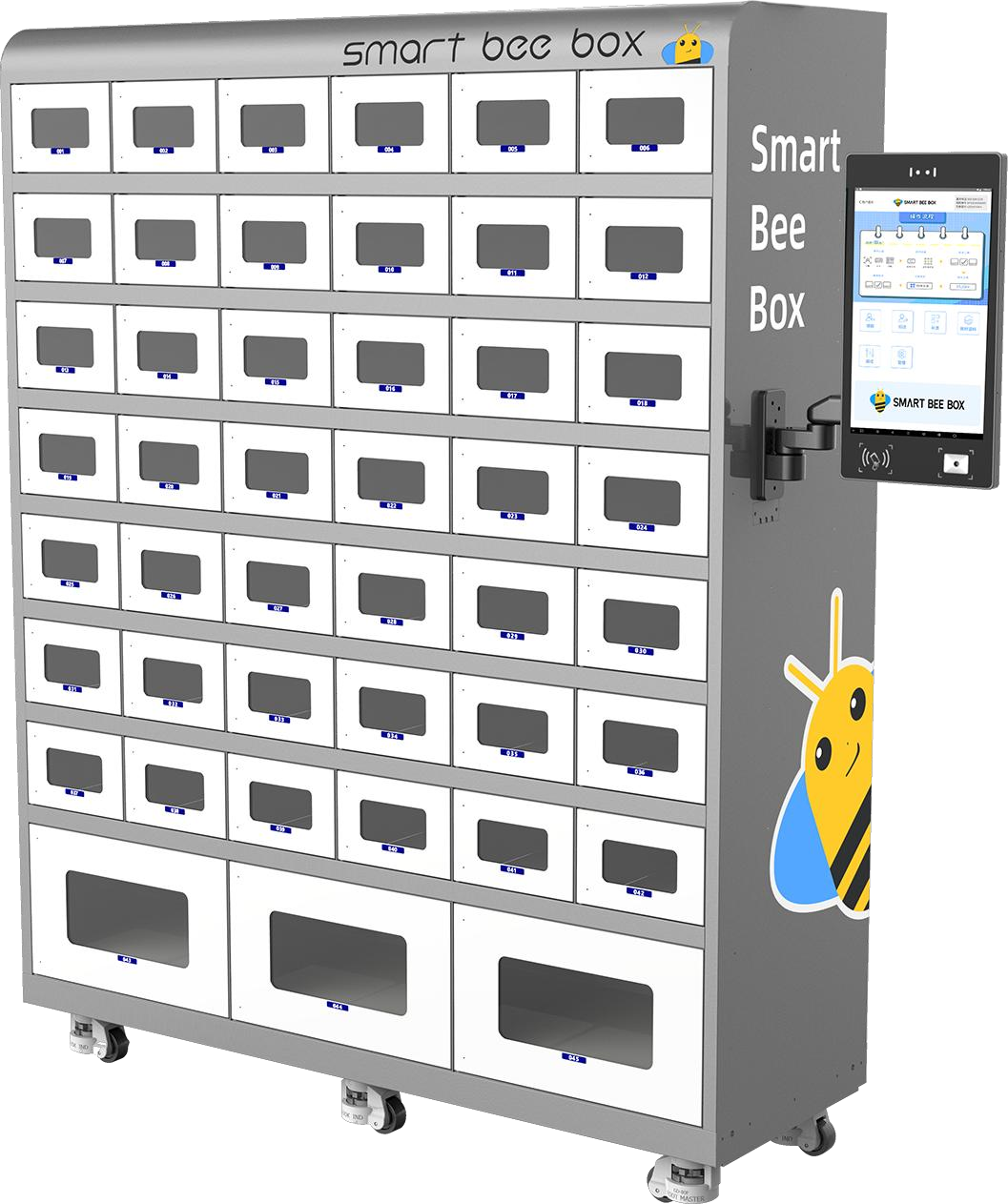 | | 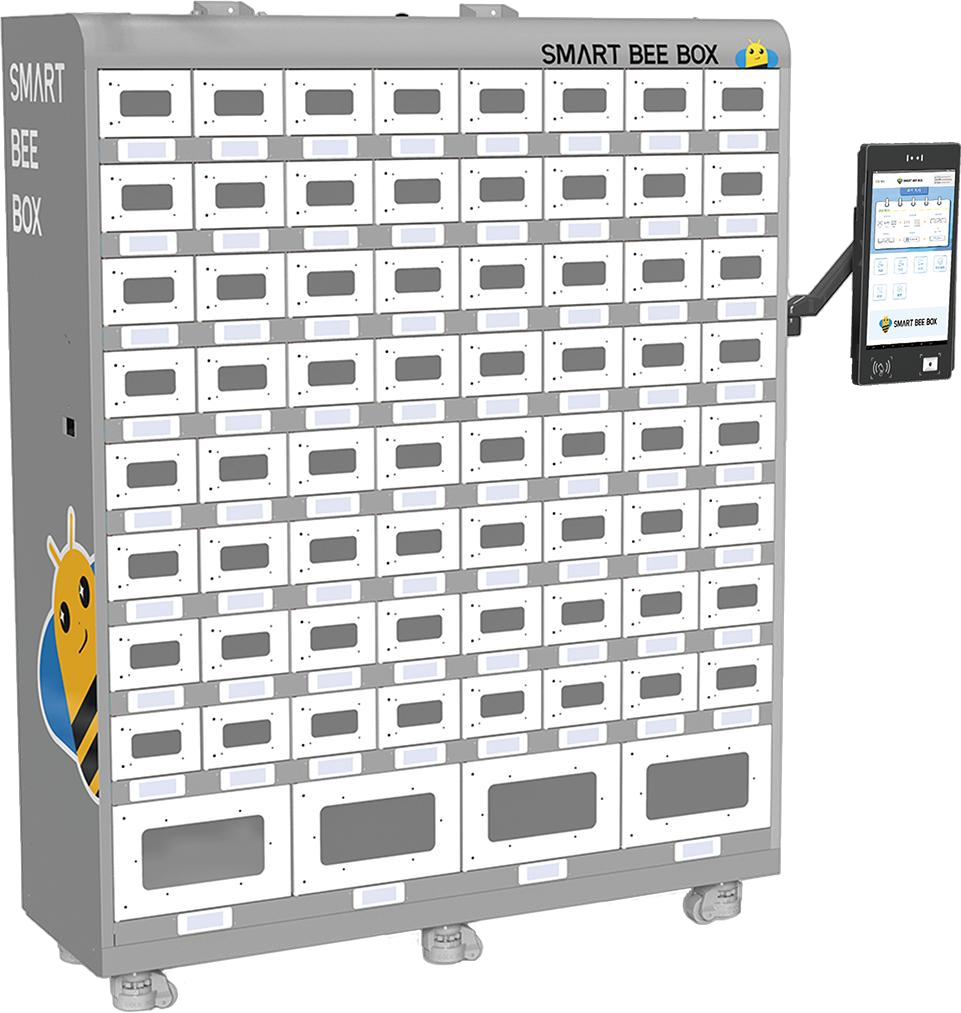 | 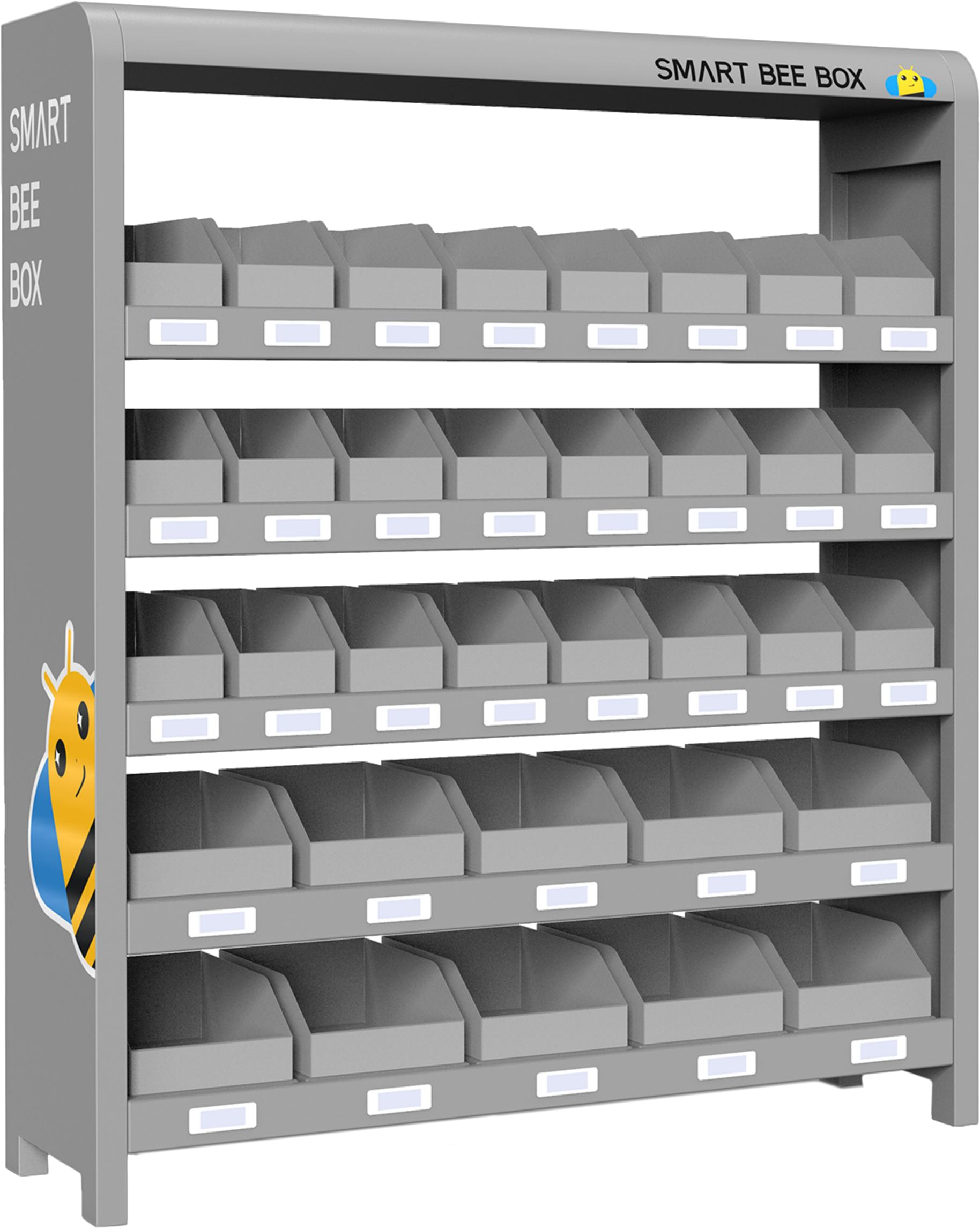 |
|---|---|---|---|---|
| Storage positions | 45 | 68 | 68 | 34 |
| Sensitivity | 0.1 g / 1 g | 0.1 g / 1 g | 0.1 g / 1 g | 0.1 g / 1 g |
| Load capacity per position | 7 kg / 15 kg | 7 kg / 15 kg | 7 kg / 15 kg | 10 kg / 30 kg |
| Display | 15.6-inch touchscreen | 15.6-inch touchscreen | 15.6-inch + LCD/LED | 15.6-inch + LCD/LED |
| Overall dimensions (H × W × D, mm) | 1933 × 1511 × 500 | 1933 × 1511 × 500 | 1933 × 1511 × 500 | 1910 × 1511 × 500 |
| Authentication | Face recognition + card | Face recognition + card | Face recognition + card | Face recognition + card |
| Scanner / CCTV | Standard / Optional | Standard / Optional | Standard / Optional | Standard / Optional |
| Expansion | Up to 9 expansion units | Up to 9 expansion units | Up to 9 expansion units | Up to 9 expansion units |
| Regular compartment (H × W × D, mm) | 1–42: 154 × 236 × 500 | 1–64: 132 × 175 × 500 | 1–64: 132 × 175 × 500 | 1–24: 150 × 145 × 440 |
| Regular net space (H × W × D, mm) | 120 × 205 × 390 | 98 × 142 × 390 | 98 × 142 × 390 | — |
| Large compartment (H × W × D, mm) | 43–45: 286 × 481 × 500 | 65–68: 269 × 359 × 500 | 65–68: 269 × 359 × 500 | 25–34: 150 × 245 × 440 |
| Large net space (H × W × D, mm) | 205 × 450 × 390 | 193 × 325 × 390 | 193 × 325 × 390 | — |
Sensitivity and load capacity depend on the weighing position and configuration. Hive positions 1–24 support 0.1 g sensitivity with a 10 kg capacity; positions 25–34 support 1 g with a 30 kg capacity. Dimensions are height × width × depth.