
Collect
Follow the cabinet prompts to collect an authorised item.
Combi C64 manages returnable tools and consumables in one system. Combine up to four compartments, adjust the hardware yourself and update the software to match your new layout.
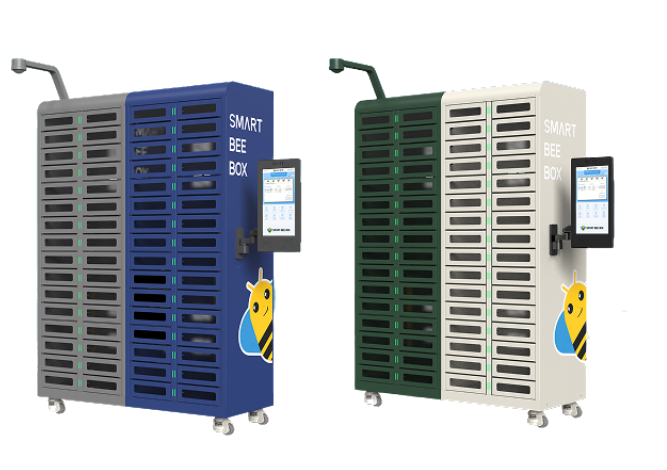
Use individual compartments for small items, or combine two, three or four vertically for larger tools and materials. Your team can adjust both the physical storage and its software configuration on site.

Compartment dimensions (H × W × D). Width and depth stay the same as you combine compartments vertically.
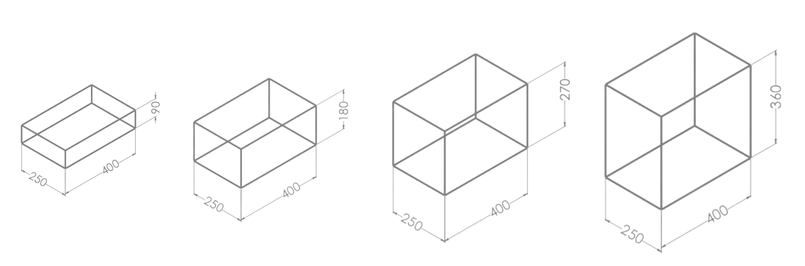
See how the locker is reconfigured to accommodate a different item size.
Follow the Combi collection and return workflows, then watch the sensor demonstration.
Follow the cabinet prompts to collect an authorised item.
Return the item to its assigned compartment.
See the Combi sensor in operation.
Identify the user, trace the transaction and expand storage to suit the items your team works with.
 01
01Identify authorised users by Face ID and apply individual permissions or withdrawal limits.
 02
02Assign material usage and cost to a production order, job or department for clearer operational accountability.
 03
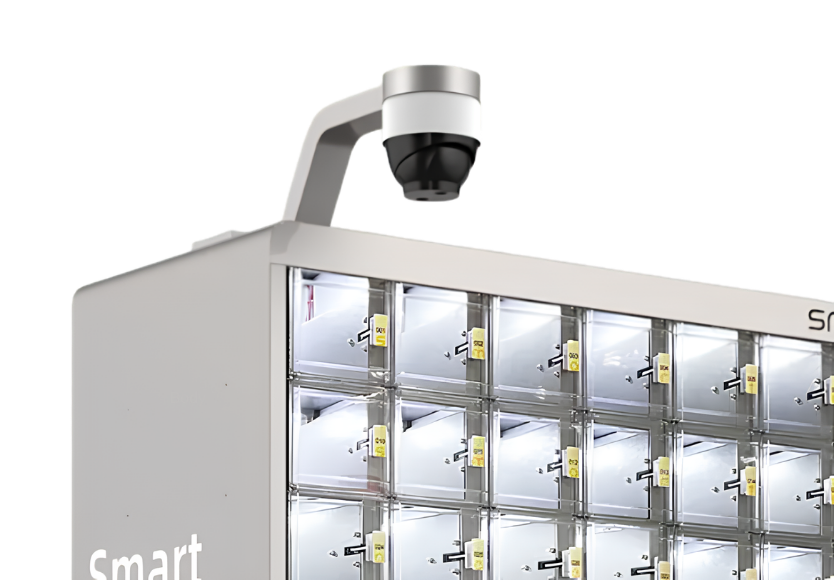
03An HD camera records the tool collection process, supporting security and review of item pickups.
 04
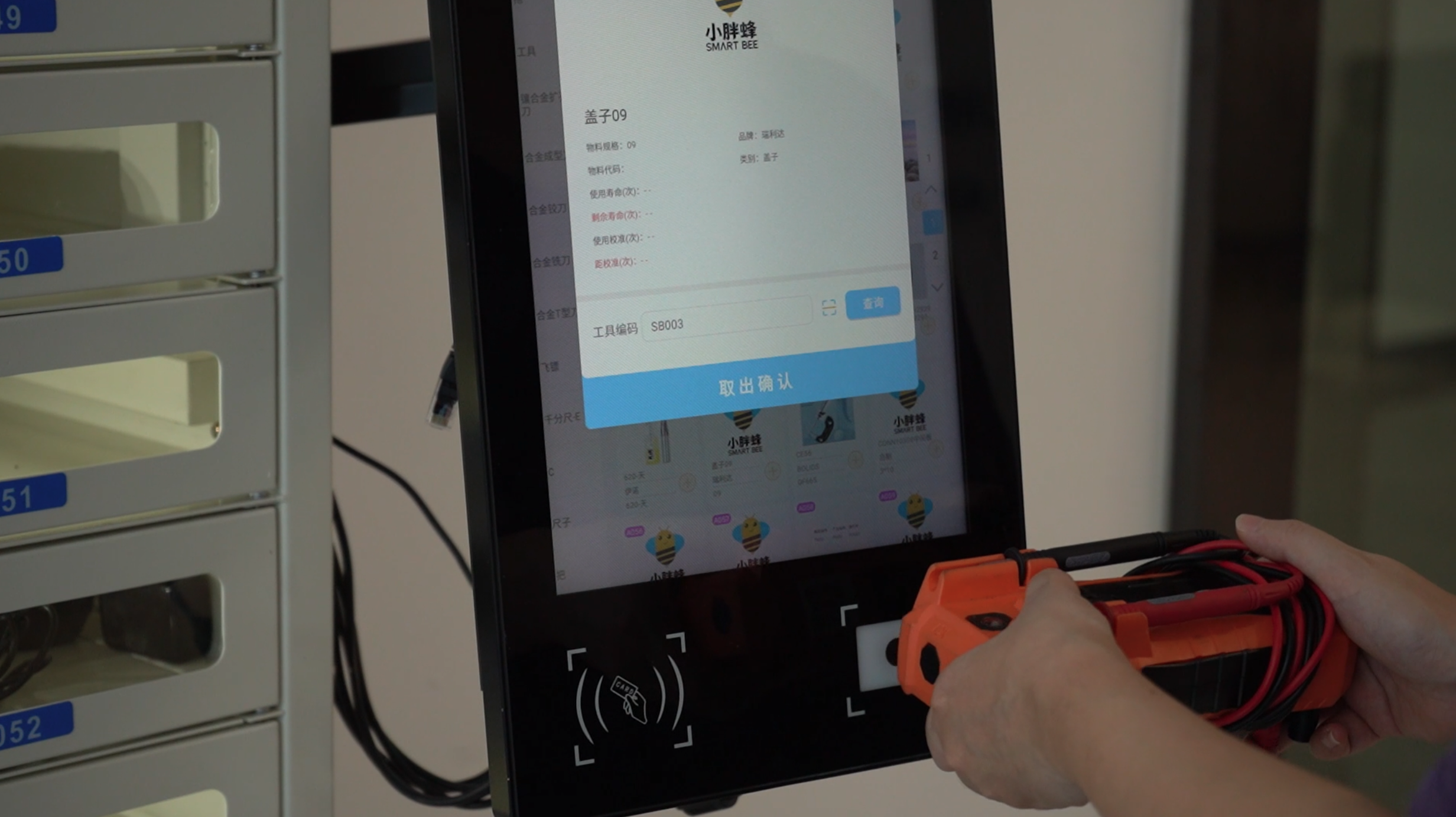
04Scan the item code during pickup and return to help verify the correct tool or material.
 05
05Precise control of diverse, small-batch materials. Fully automated tracking of every material—from collection to return and confirmation.
 06
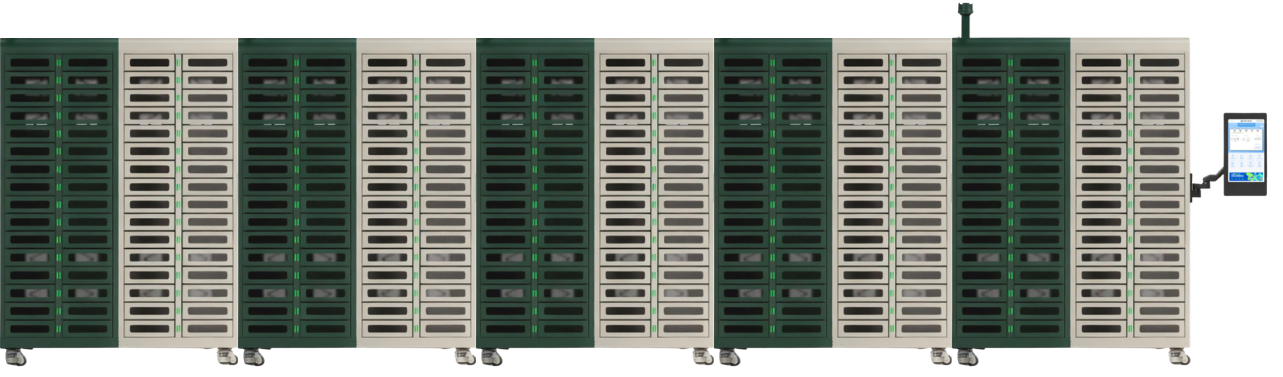
06Build a connected system of up to 10 lockers: one main unit plus nine expansion lockers. Mix TE57, TE100, TE108 and C64 to suit different item sizes.
The same software supports T57, T100, T108 and C64. Operators follow the cabinet touchscreen while managers oversee inventory and activity from the web.
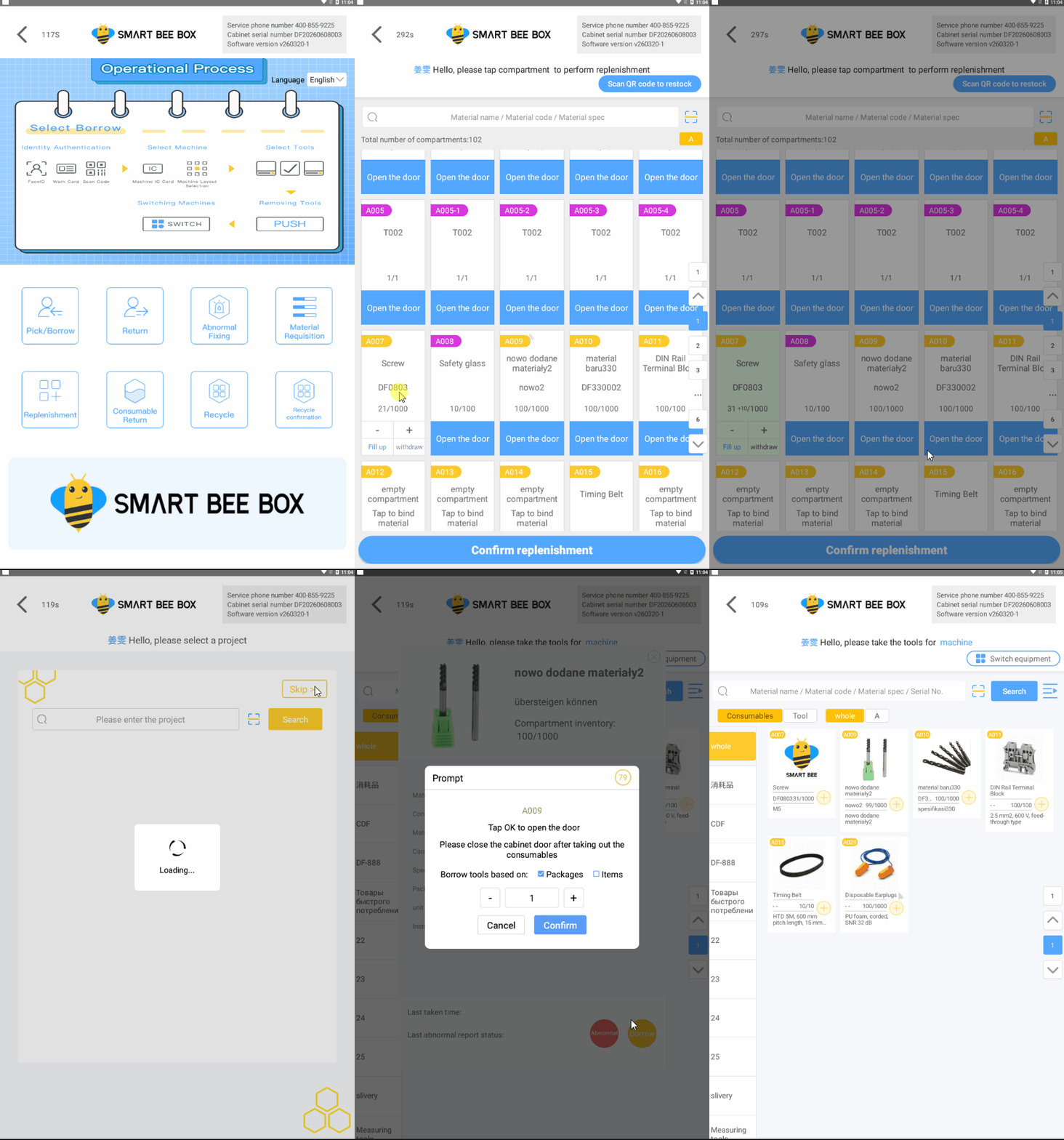
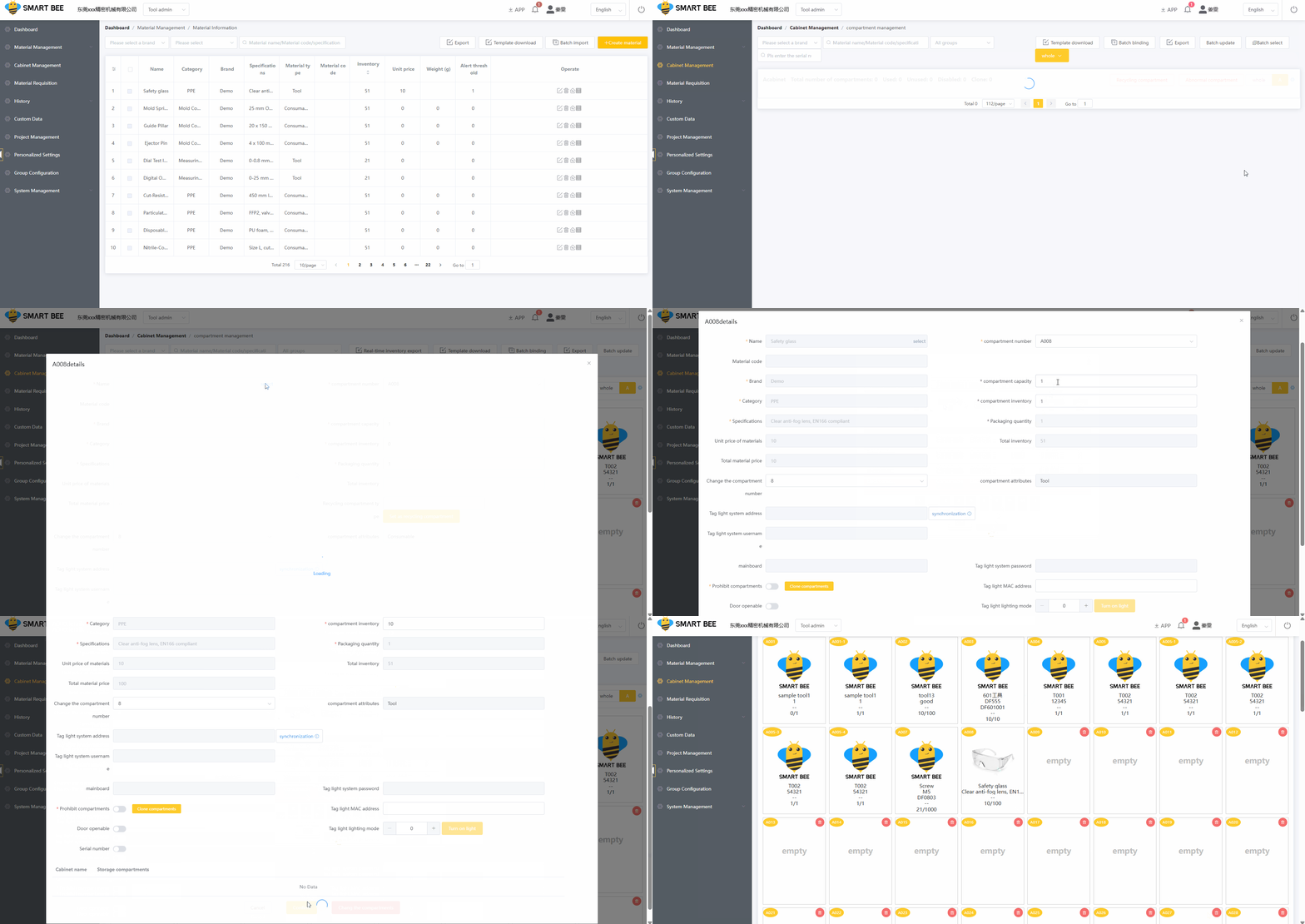
The system guides users through each pickup and return. Only the assigned compartment unlocks, helping operators collect the correct item and return it to the correct location.
Keep precision
on schedule.
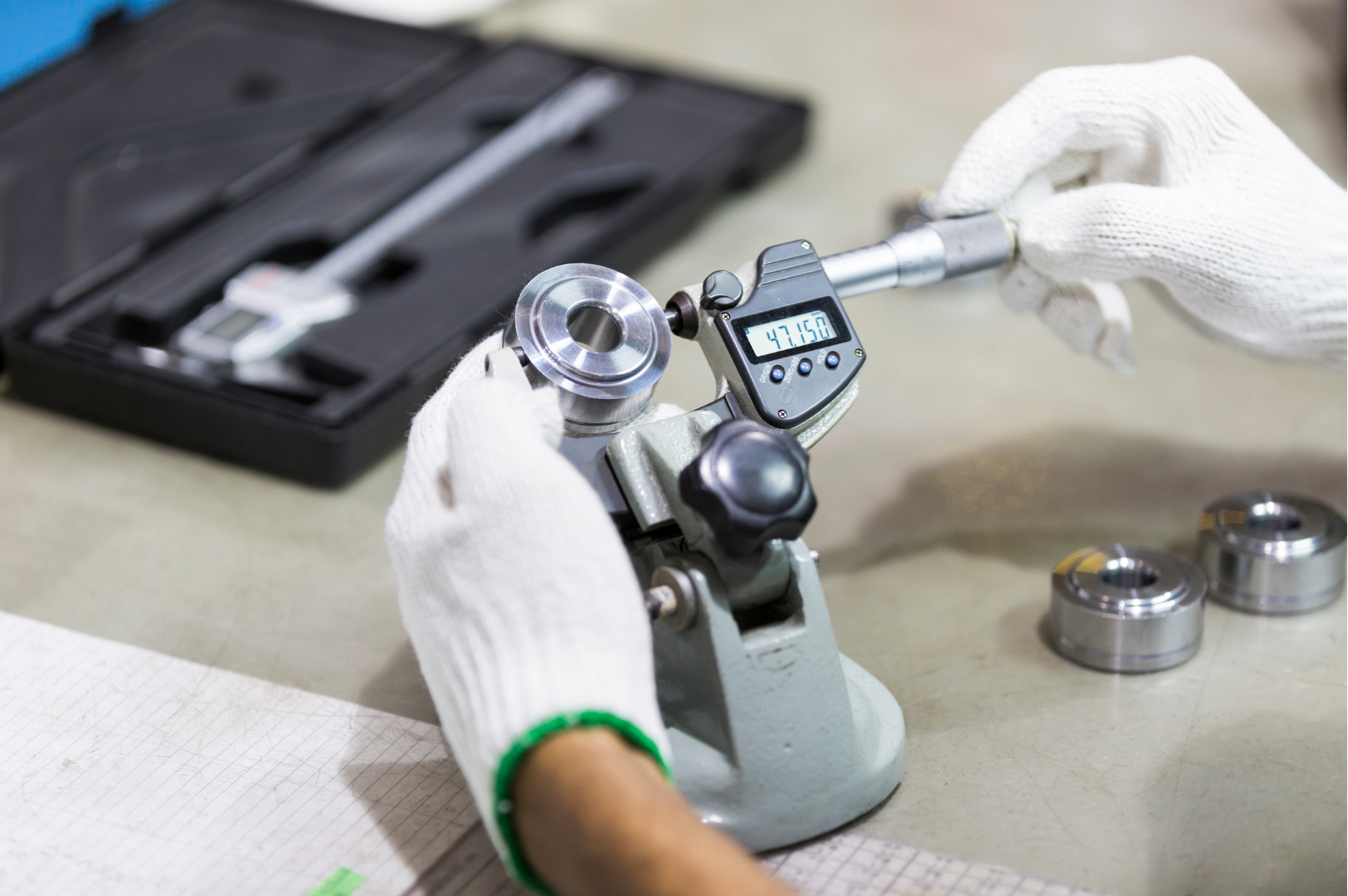
Plan calibration around how each tool is used. Set the appropriate interval, notify your team and keep the records ready for review.
Flag tools approaching their configured calibration interval so your team can plan ahead.
Notify the responsible personnel when calibration is due, helping keep follow-up on track.
Bring calibration status and recorded history together for quality reviews and audit preparation.
Organised calibration records help support equipment control and audit preparation within your quality management system.
Reports support documentation; calibration and verification must still follow your organisation’s procedures. Usage-based intervals depend on the activity data recorded or integrated with the system.One platform for everything your team borrows, uses and replenishes. Connected from the cabinet touchscreen to the web dashboard.
Track who has each tool, when it is due back and when it returns to storage.
Record each issue and replenishment, monitor remaining quantities and plan the next restock.
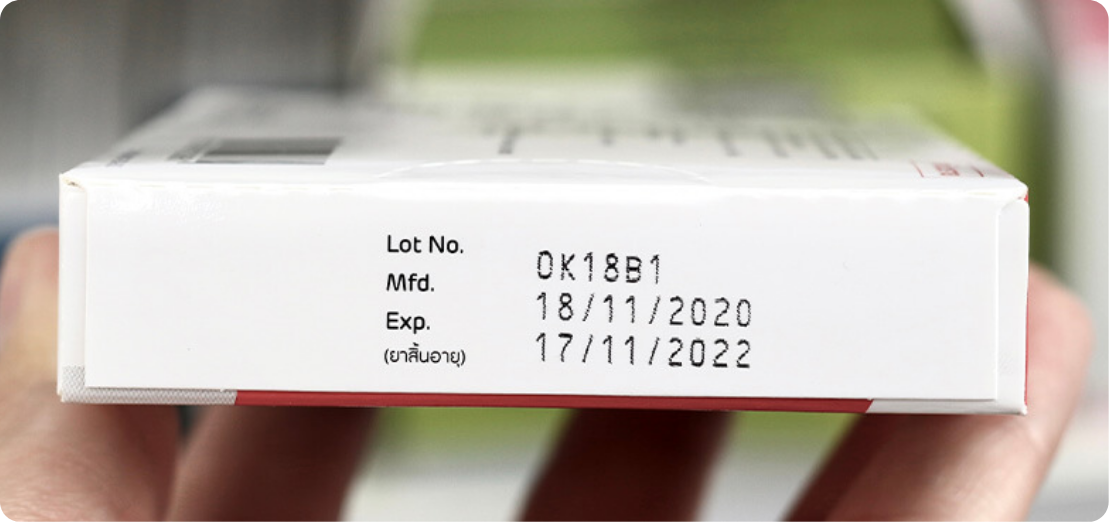
Track material expiry dates and receive automated alerts before stock expires. Plan timely use or replacement to help reduce material waste.
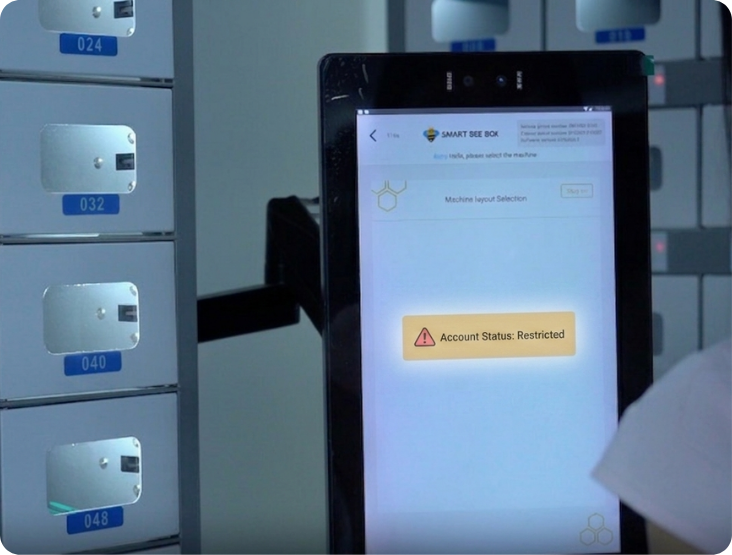
Restrict further borrowing when tools are overdue, according to configured rules. Encourage timely returns and keep responsibility for borrowed items clear.

Receive automated calibration reminders for tools and measuring instruments. Help your team plan maintenance and keep track of items due for attention.

Identify materials with little or no recent usage. Review stock levels and purchasing decisions to help reduce excess inventory.

Speed up inventory checks and automatically generate stocktake reports. Compare counted quantities with system records and review stock differences.

Record items collected for recycling and confirm their receipt. Keep a traceable record of used materials as they move from collection to recycling handling.
64 base compartments with flexible combinations for tools, instruments, PPE and consumables.
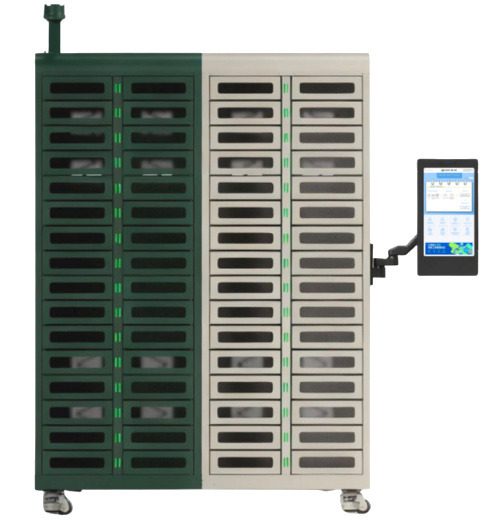
Combining compartments reduces the number of separate storage spaces.
Compare with Origo T57, T100 and T108